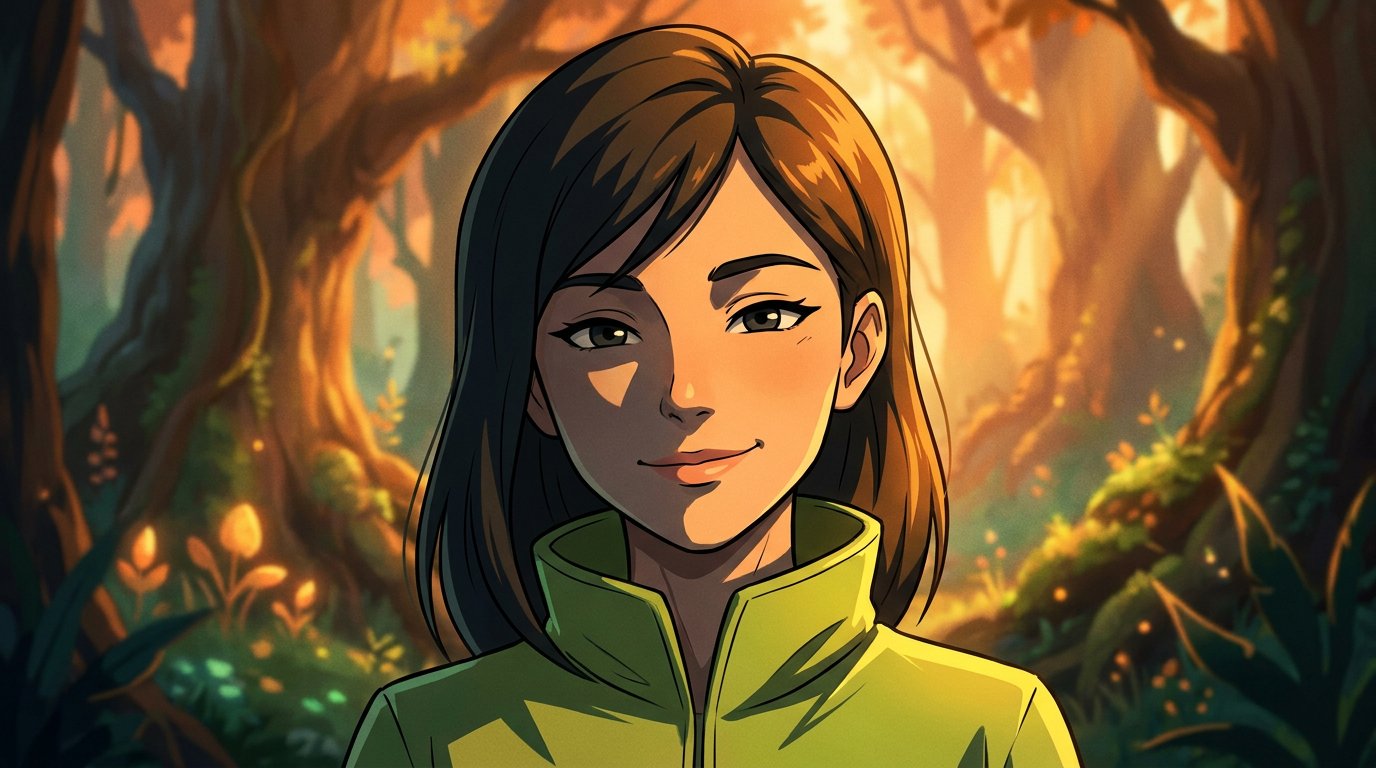
A familiar selfie can feel like it belongs in a different world, without a new setting. AI photo styles are visual directions that shape an image, from cinematic lighting and watercolor textures to anime and comic-book lines. Name your subject, pose or expression, clothing, setting, and mood, then add details such as a color palette or lighting to guide the look. You’ll learn how to combine these elements and choose a direction for a dreamy fantasy portrait, dramatic film-inspired image, playful anime, bold comics, or clean illustration. A few thoughtful words leave plenty of room to experiment.
Key Takeaways
- Build a clearer prompt by describing the subject, pose, setting, mood, and visual treatment you want.
- Use reference images to guide a consistent look, then adjust details like color, lighting, and texture.
- Match the style to the mood: try futuristic or fantasy looks for escape, and anime, comics, or illustration for graphic character.
- Shape portraits with cinematic choices such as lighting, composition, and film-like texture for a more story-driven feel.
Table of Contents
1. How to create unique image styles with AI prompts?
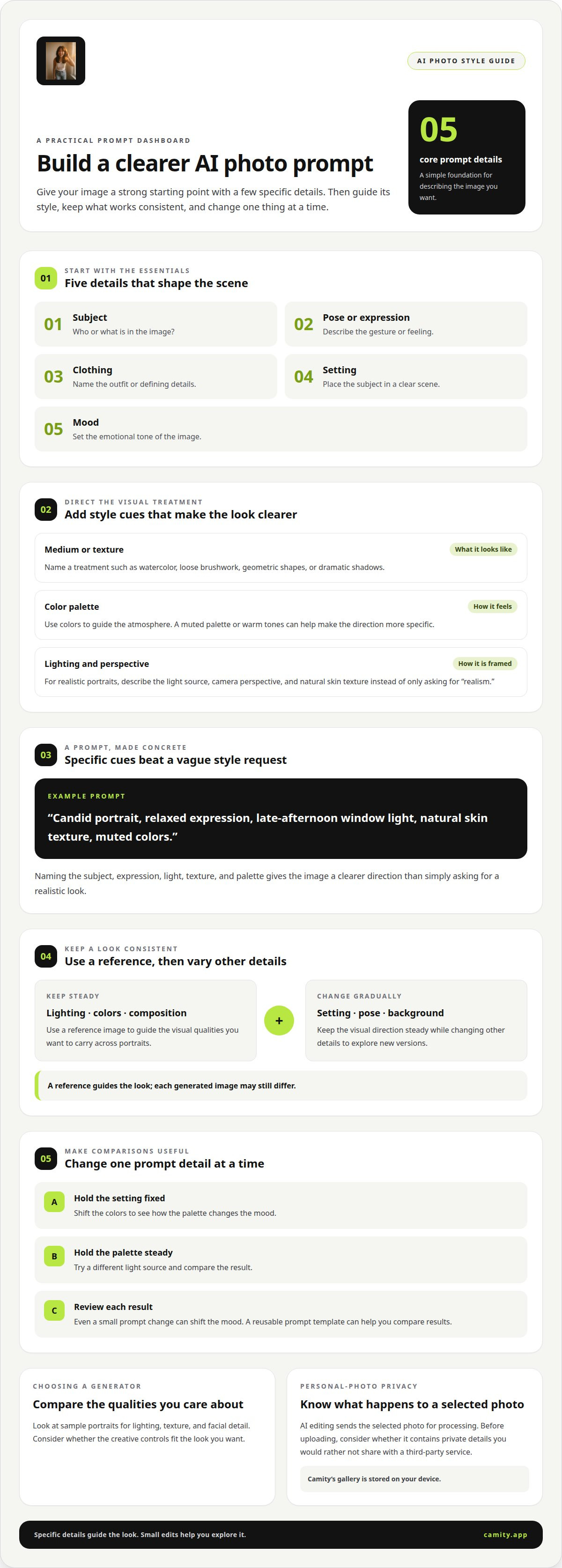
Which AI image generators offer the best photo styles? The right choice depends on the looks and creative controls you want. Compare sample portraits for lighting, texture, and facial detail. Then try a prompt that names your subject, pose, clothing, setting, and mood. Add a medium, such as watercolor, and a color palette to shape the atmosphere.
For a consistent look, use a reference image that shows the lighting, colors, or composition you want. Specify which visual quality to follow, then keep it steady while changing other details. For example, maintain warm window light and muted colors across portraits while varying the setting. A reference guides the look, but each generated image may still differ.
Can AI photo generators imitate named artists or copyrighted styles? How they handle names and styles varies. Instead, describe the visual qualities you like, such as loose brushwork, geometric shapes, or dramatic shadows. This gives your prompt a clear direction without relying on a specific artist’s name.
Surreal and abstract images thrive on unexpected combinations. Picture a glass garden floating above a city, or a tiny moon inside a teacup. Surrealism dates to the 1920s, offering a dreamlike influence for experimental images. Neural style transfer became popular around 2016, bringing wider attention to blending image content with visual treatments.
What prompts work best for realistic AI photo styles? Describe the subject, expression, camera perspective, light source, setting, and palette. For example: “Candid portrait, relaxed expression, late-afternoon window light, natural skin texture, muted colors.” Specific details guide the image more clearly than simply asking for realism.
A prompt template can be reused across image tasks. Keep the subject and visual direction consistent, then vary a detail such as the background. Review each result before using it, since even a small prompt change can shift the mood.
What are the privacy risks of uploading personal photos to AI generators? A selected photo is sent to the service for processing, and handling practices vary. Before uploading, consider whether the image contains private details you would rather not share with a third-party service.
Choose a generator with sample portraits that match the lighting, texture, and facial detail you want, and creative controls that suit your needs.
2. Futuristic, fantasy, and experimental styles
Start with a world, then choose the visual elements that make it feel believable. For cyberpunk, pair a rain-soaked street, neon signs, reflective surfaces, and a lone figure. The style grew from an 1980s literary genre, with Blade Runner helping shape its cinematic mood. In your AI prompts, name the setting, light, colors, and atmosphere rather than relying on “futuristic” alone.
For a softer vision of the future, try solarpunk: imagine a glass greenhouse woven into a city rooftop, with clean energy and leafy walkways. This style pictures advanced technology living in harmony with nature. Ask for smooth architecture, sunlit plants, and practical details such as solar panels. Those specifics make the setting feel lived-in rather than like a generic science-fiction backdrop.
Fantasy offers a range of moods. High fantasy might feature a stone castle, a storm-lit sky, and ornate armor. Dark fantasy can use shadows, weathered textures, and dramatic contrast. For a fairytale look, choose delicate details, soft glowing light, and a storybook painting finish. Name the subject and setting first, then add the fantasy sub-style and palette.
Experimental imagery bends familiar rules. Combine a portrait with floating glass flowers, or place a tiny moon inside a teacup. To keep an unusual image readable, give one element the main focus and describe how the other objects relate to it. A prompt like “a silver koi circling a glass planet, deep blue background, delicate reflections” gives the scene a clear center.
Try one change at a time. Keep the setting fixed while shifting colors, or preserve the palette while changing the light. This makes each generated image easier to compare. For a quick portrait experiment, explore a new AI style and see which imagined world feels right.
3. Anime, comic, and illustration styles
Anime portraits emphasize expressive eyes, clear silhouettes, and readable emotion. Describe the character’s expression, hairstyle, clothing, and pose before adding visual details. For example, “thoughtful anime student, windblown dark hair, blue jacket, warm sunset lighting” gives the image a clear subject and mood. Add a simple background when you want the face to stand out.
For a consistent character, keep signature features the same across prompts. Repeat details such as a red scarf, round glasses, or distinctive hair color, then change one element, like the pose or setting. This gives you useful results to compare while preserving your central vision. A precise palette, such as muted blue and gold, can tie separate images together.
Comic-inspired images rely on strong shapes and deliberate contrast. Ask for bold outlines, expressive gestures, and a focused composition. Halftone dots can suggest printed comic texture, while speech bubbles add a familiar graphic touch. For a dramatic action pose, describe the character’s movement and direction, then choose a background that doesn’t compete with the main figure.
Illustration can feel polished, playful, or minimal. Modern flat illustration prioritizes legibility over realism and removes visual noise. Try a prompt like “flat illustration of a person reading, simple shapes, limited palette, plain background.” Elegant line art takes a different approach, using thin, precise lines, often in one color against a clean background. Choose a treatment based on how much detail your idea needs.
Match the treatment to the image’s purpose. A soft palette and simplified forms can make a character feel gentle; sharp outlines and angled shapes can suggest energy. If facial expression matters, keep the lighting and background restrained. If the setting carries the story, describe its shapes and palette clearly. Small prompt changes can shift the balance between character, action, and atmosphere.
For a blended look, pair anime character design with a watercolor background. Keep the character’s outlines crisp, then describe loose washes and softened edges behind them. This contrast creates a clear focal point without losing the image’s artistic feel.
4. Portrait and cinematic photography styles
A cinematic portrait starts with a story, not just a lighting effect. Describe the subject, framing, light source, shadows, and setting. For example, “close portrait beside a rain-streaked window, soft side lighting, deep shadows, muted blue palette” gives the image a clear mood. Add “editorial noir” and subtle 35mm film grain for a stylized, film-inspired finish.
Composition shapes the feeling, too. A centered head-and-shoulders portrait feels direct; a figure placed at the edge can suggest solitude. For a futuristic scene, try a portrait against a blurred city of glowing signs, with cool reflections across the face. Keep the background simple when you want facial expression to carry the image. Name one focal point, then describe the supporting details.
How do AI photo styles differ from photo filters and presets? Filters and presets usually adjust an existing image’s color or tone. AI image generation can reinterpret the portrait, changing elements such as the setting, clothing, or artistic treatment.
What are the most popular AI photo styles? There’s no single style that suits every portrait, but cinematic, editorial noir, anime-inspired, and photorealistic looks offer distinct directions. In 2025, millions of people transformed selfies into Studio Ghibli-inspired portraits, showing how a recognizable animation influence can reshape a familiar photo.
Choose a look by deciding what you want the portrait to express. Use warm window light for intimacy, hard side lighting for tension, or soft focus for a dreamy atmosphere. Then describe camera distance and composition, such as “tight headshot” or “waist-up portrait.” Change one detail at a time to see how it shifts the mood.
Try a cinematic portrait style when you want your everyday photo to feel like a scene from a story.
Camity: AI styles
Camity turns your chosen photo into creative portraits with AI styles and virtual photoshoots. It’s a natural next step when you have a mood in mind and want to see it take shape in a new look. Choose a photo and a mood, then save or share the results you like.
Keep expectations flexible: Camity doesn’t guarantee an exact likeness or result. AI editing sends your selected photo for processing, while your gallery is stored on your device. That makes it easy to revisit the looks you’ve saved as you explore different visual directions.
Ready to try a fresh portrait idea? Explore Camity and find a style that feels like you.
Give your next portrait a personal signature
Start your next image with one feeling you want to keep: calm, curiosity, or a touch of the otherworldly. Add a personal detail, like a favorite accessory or familiar color, then decide what should feel unexpected. This gives your creative direction a point of view without making it feel overworked.
The Camity team brings a thoughtful creative eye to exploring new looks. As you experiment, notice which details feel most like you, then let one guide your next idea. A small choice can set an entirely new direction.
Ready to turn an idea into a fresh visual? Get in touch with Camity and share what you have in mind. Your next favorite portrait could start with one playful thought.
Frequently Asked Questions
What are AI art styles?
AI art styles are visual approaches that shape how an image is rendered. They can affect qualities such as linework, texture, lighting, and realism. Think of the difference between a softly painted travel poster and a sharp, graphic comic panel. Choosing a style sets the image’s mood and makes its visual treatment feel intentional.
How to create unique image styles with AI prompts?
Begin with an unusual pairing, like a vintage travel postcard featuring a deep-sea diver. Decide which element should dominate, then describe the image’s medium, mood, and visual details. For a cohesive result, avoid adding several unrelated treatments at once. If the image feels too familiar, change one ingredient, such as the setting or texture, and generate another version.
What is a good prompt for AI art?
A good prompt gives the generator a clear subject and visual direction. Try: “A tiny observatory on a snowy mountain, illustrated like a vintage storybook, soft paper texture, quiet midnight mood.” The observatory gives the image a focal point, while the storybook treatment and paper texture guide its appearance. Replace the subject or mood to make the idea your own.
How can I create an AI photo in a specific style?
Choose the photo you want to transform, then describe the style in plain visual terms. For a retro magazine look, mention faded colors, studio posing, and a printed-paper feel. Keep the description focused on the effect you want rather than stacking labels from different eras or mediums. Review the generated image and refine one detail if the look feels off.
How can I keep a consistent style across multiple AI photos?
Create a short style recipe you can reuse, such as “soft side light, muted earth tones, gentle film texture.” Keep the wording and image framing steady across a set, such as portraits for one profile. Change the subject or background, not the whole recipe. Save the prompt with each result so you can return to the same visual direction later.
Which AI image generators offer the best photo styles?
The best choice depends on the looks and creative controls you want. Compare sample portraits for lighting, texture, and facial detail.